Blog
Protecting Privacy When Preparing Property Photographs
Prepare property photographs with fewer personal details: review rooms, reflections, file information, approved recipients and published image versions.
In this article
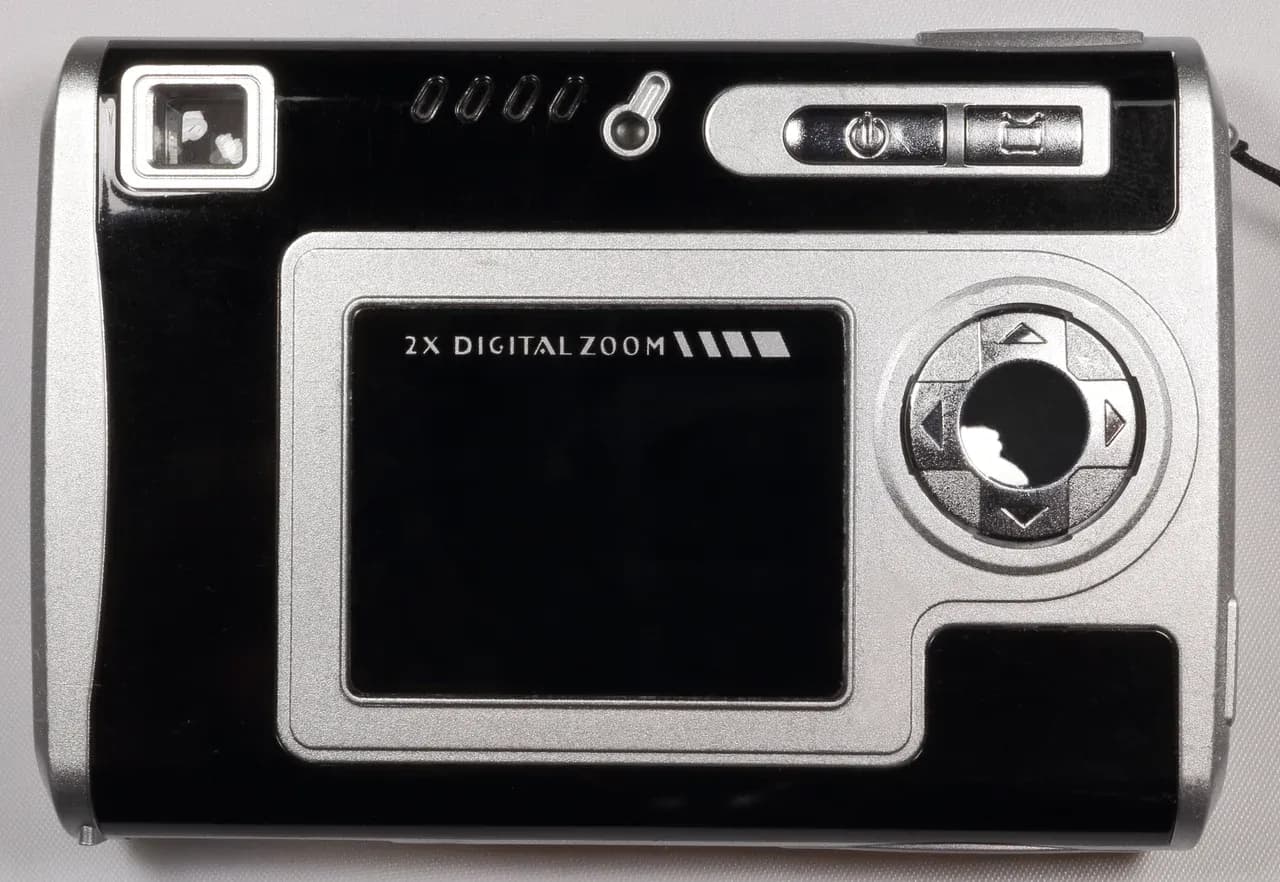

Property photo privacy starts before anyone takes the first picture. An occupied home can contain letters, screens, family images and reflections that have little to do with the space a buyer needs to understand. Prepare a small approved image set that explains the rooms while keeping unnecessary personal information out of the public listing. Review the actual exported files, because a tidy room and a careful camera position do not settle every sharing question.
For a Syrian sale or rental, the useful outcome is a clear agreement about access, subjects, recipients and the files approved for publication. This guide offers a practical preparation method, without determining anyone's legal rights or declaring a Syrian consent procedure. Resolve disputed occupation, authority or permission with an appropriately qualified adviser before photographing the disputed space.
Separate the room information from household information
Write a sentence explaining the purpose of each planned photograph. A kitchen overview may show the position of cabinets and the window. It does not need to show a school letter on the refrigerator. A bedroom image may explain the relationship between a doorway and fitted storage without identifying the person who sleeps there. That purpose gives you a reason to remove an unnecessary detail rather than rearranging everything indiscriminately.
The UK Information Commissioner's Office describes data minimisation in terms of keeping information relevant and limited to its purpose. Its guidance concerns UK data protection law, not Syrian listing requirements. The practical question here is narrower: does this particular detail help a reader understand the property, or does it expose someone without adding useful property information?
Make two lists with the occupants: spaces available for photography and details to keep outside the frame. Include areas occupied by someone other than the seller. Agreement to enter a room should not be treated as agreement to publish every object inside it. If a cupboard is excluded, ask whether a permitted alternative view can explain its external position and dimensions.
Prepare surfaces and check indirect views
Walk the proposed camera route before the session. Review desks, bedside tables, refrigerators, noticeboards and shelves at the height from which photographs will be taken. Put private papers away with the occupant's involvement. Avoid moving somebody's medication, assistive equipment or important possessions simply because they appear untidy; agree an arrangement that respects their ordinary needs and permits an accurate image.
Look beyond the central subject. A reflection may include the photographer, another occupant, a document behind the camera or a computer display. Inspect mirrors, glazed doors, polished appliances and television screens. Check views through windows for neighbouring private interiors. Repositioning the camera or waiting for someone to leave the frame can be simpler than attempting to repair a privacy problem afterwards.
Keep property condition visible. Removing a personal letter from a counter is different from covering a crack, stain or unfinished repair. Preserve a useful view of the feature the buyer needs to assess. Our photographer briefing guide explains how the room route and truthful presentation belong together.
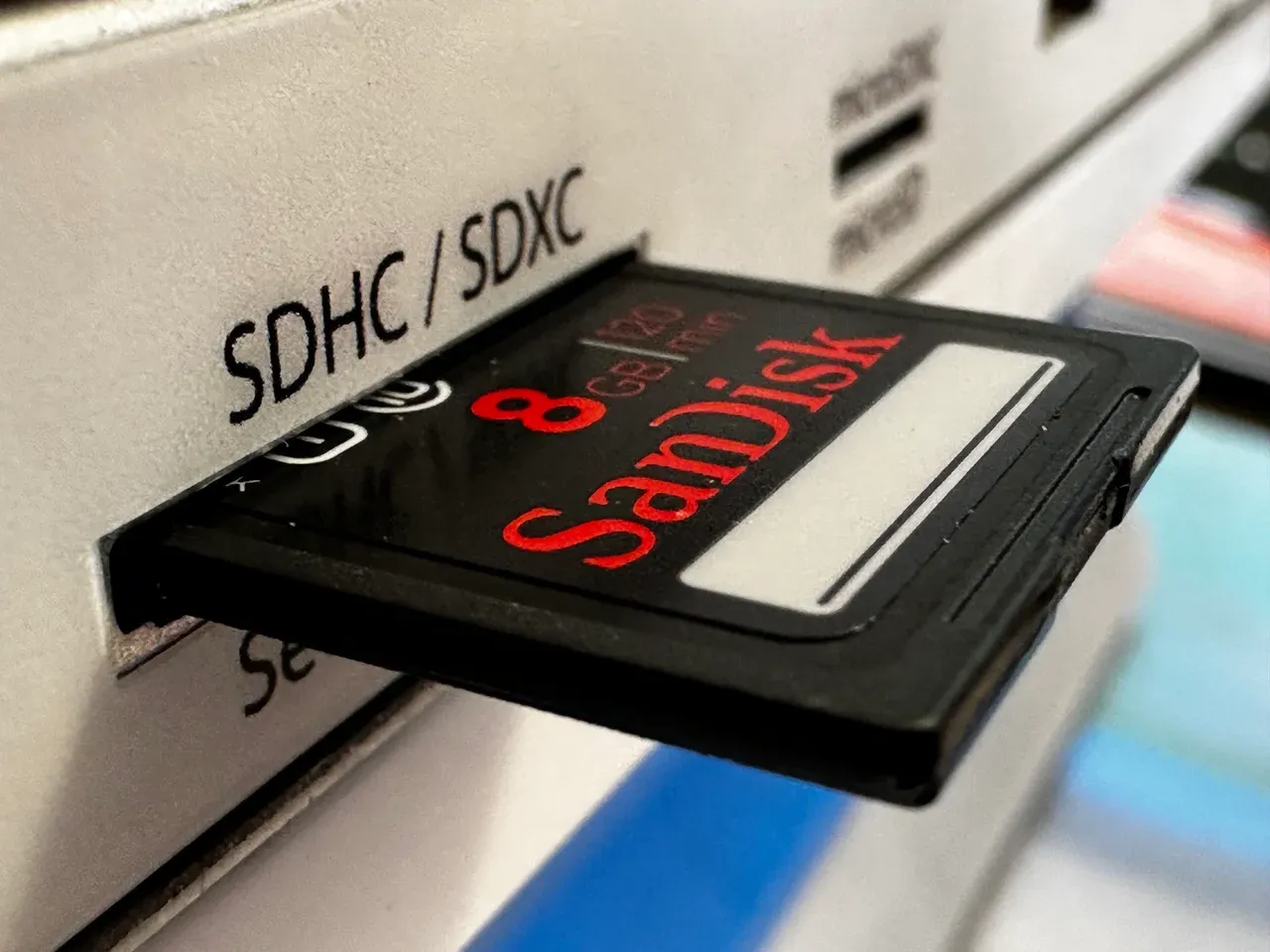

Inspect the file information as well as the picture
Some photo files carry information that is not visible in the image. Apple's location-metadata guide explains that supported Camera settings can embed location coordinates and that recipients may be able to access them. It also describes controls for reviewing or excluding location information. This is product-specific guidance; menus and sharing behaviour depend on the device and software you actually use.
Decide whether exact embedded coordinates are needed for the intended recipient. A public room image and a private appointment confirmation serve different purposes. Check the selected export and sharing options using the manufacturer's current instructions, then inspect the resulting file rather than assuming that a setting affected every copy. Do not upload an occupied home's originals to an unfamiliar metadata-removal service merely to discover what they contain.
Review filenames and captions too. A surname, full address or personal telephone number can remain in a filename even when absent from the picture. Use a neutral property reference and room label where appropriate. Avoid deleting creator attribution or licence information you are required to retain; resolve rights and privacy requirements together instead of treating every piece of metadata as disposable.
Approve a defined set for a defined audience
Create a publication folder containing only the checked exports. Keep it separate from the camera's complete shoot, where rejected frames may still contain private details. Tell the person receiving the folder which files are approved, which property they concern and the intended publication channels. Ask them to refer proposed additional uses or image changes back to the responsible person.
Consider a simple fictional example. A seller approves eight room photographs for a listing, while a separate detailed image is requested by an adviser to discuss an unresolved feature. The adviser image belongs in a separate exchange with an explained purpose, rather than in the public marketing folder. This distinction does not certify that either sharing arrangement is lawful or secure; it makes the decision about each file explicit.
For a call or video tour, agree recording and screenshots separately. A person who is comfortable with a live conversation may have a different view about a permanent recording that others can forward. The remote-viewing guide helps organise those appointment questions. Avoid publishing occupancy routines, absence dates or access codes as part of an attractive listing description.
Check the published version and manage changes
Before the listing goes live, compare its proof with the approved folder. Read the captions and inspect each image at a useful zoom level. A thumbnail can hide text that becomes readable in a larger view. Check the downloaded version when available, and confirm that the image order still explains the rooms without exposing an excluded subject.
After publication, keep a record of the approved version, where it appeared and who can arrange a correction. If a privacy detail is discovered, identify the exact image and request its removal or replacement through the relevant publisher. Check the affected pages after the change. Do not promise that deletion from one listing withdraws screenshots, forwarded copies or material held elsewhere.
Revisit the approved set when occupation, furnishings or the purpose of marketing changes. A later intermediary should receive the current approved files, not an old folder chosen because it is convenient. The wider selling-property guide connects accurate photographs with the description, viewing arrangements and offer preparation. Finish with a short record: permitted spaces, excluded details, approved exports, intended recipients and the person responsible for corrections. That makes the next publication decision easier to check.
Continue your research
Questions to Resolve Before Travelling for a Property Viewing
Resolve property identity, independent review and current travel questions before considering a Syria viewing trip, with remote enquiries as an alternative.
Read more
How to Share a Property Shortlist with Your Family
Share a Syrian property shortlist with your family using common references, household priorities, dated evidence and clear questions that still need answers.
Read moreSources & review
Last reviewed:
PUT YOUR RESEARCH TO WORK
Start with a place.
Explore Syria’s cities and narrow your property search.