Blog
Checking Internet Availability at the Exact Home Address
Check internet availability at a Syrian home address through provider confirmation, permissioned tests and questions about installation and accounts.
In this article
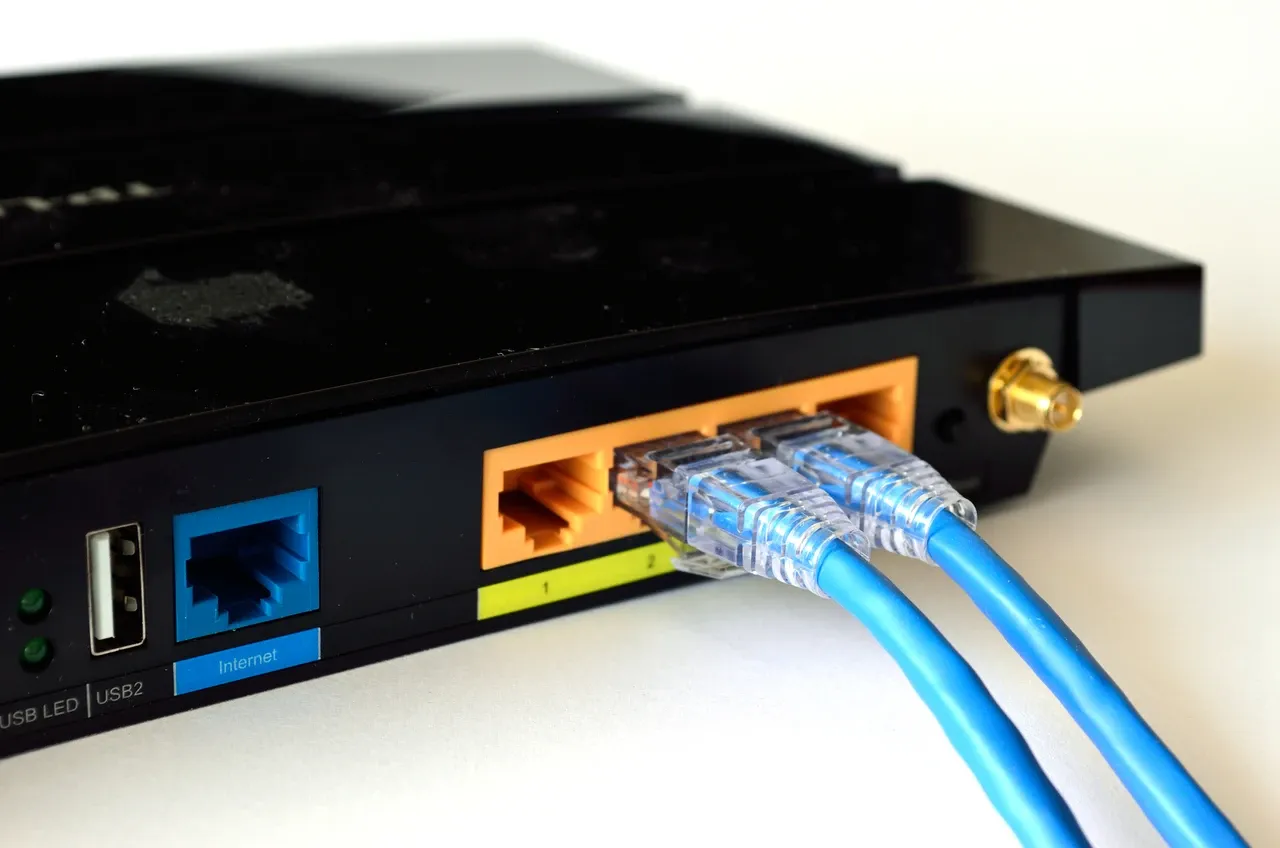

A home can have a router on a shelf and still leave a prospective resident with an unanswered question: what connection could this household actually use after moving in? A working service during a viewing, a neighbourhood coverage statement and permission to open a new account are different pieces of information. They should not collapse into one reassuring tick beside “internet”.
For a property search in Syria, begin with the exact building and home under consideration. Ask what exists now, what the provider will confirm for a new resident and what remains to be arranged. This guide offers a way to collect those answers. It does not certify coverage, recommend a Syrian provider or promise connection speeds.
Describe the household's actual use
Write down the activities that matter before looking at a speed screenshot. Perhaps one person needs to send large work files, another attends scheduled online classes and several people share the connection in the evening. A connection that feels satisfactory for casual browsing during an empty-home viewing may not answer those particular needs.
Include where those activities would happen: the intended work desk, a child's study space or a room behind several internal walls. Record when access matters and which interruption would cause a practical problem. Avoid choosing a universal speed threshold from a property advertisement. Your applications, devices and household pattern provide a more useful starting point for questions.
If a remote tour is part of the search, agree these checks in advance with the person providing access. Our guide to organising a remote property viewing explains how to give a visit a clear brief without treating a camera tour as an independent inspection.
Identify the service behind the demonstration
Ask whether the demonstrated connection belongs to this home, uses a mobile hotspot or is shared from elsewhere. Note the provider and the service arrangement as reported by the account holder. A device displaying a Wi-Fi symbol establishes little about whose account supplies the internet or whether it will remain available after handover.
With permission, have the account holder explain which equipment belongs to them and which is supplied under a service agreement. Ask whether a router will stay, be returned or leave with the resident. Do not photograph passwords, account credentials or private messages. A labelled equipment photograph may help describe what was present, but it is not proof of entitlement to use an account.
Ask the provider about the exact address
Prepare the address in the form the provider requests, including the building and unit details where applicable. Ask whether it can accept a new connection request there, whether an existing line can be used by a new account holder and what assessment or installation remains outstanding. Seek a dated response with a reference number if one is available.
Distinguish a statement that an area is covered from confirmation concerning this particular home. If the answer is conditional on a site visit, capacity check or permission from someone responsible for the building, record that condition. Ask who must arrange the next step and how a proposed installation date will be confirmed. This article makes no claim about local application procedures or the availability of any named service.
Keep this address-specific enquiry alongside the broader location research described in checking local services before relocating. Nearby services and a connection inside the home answer different everyday questions.
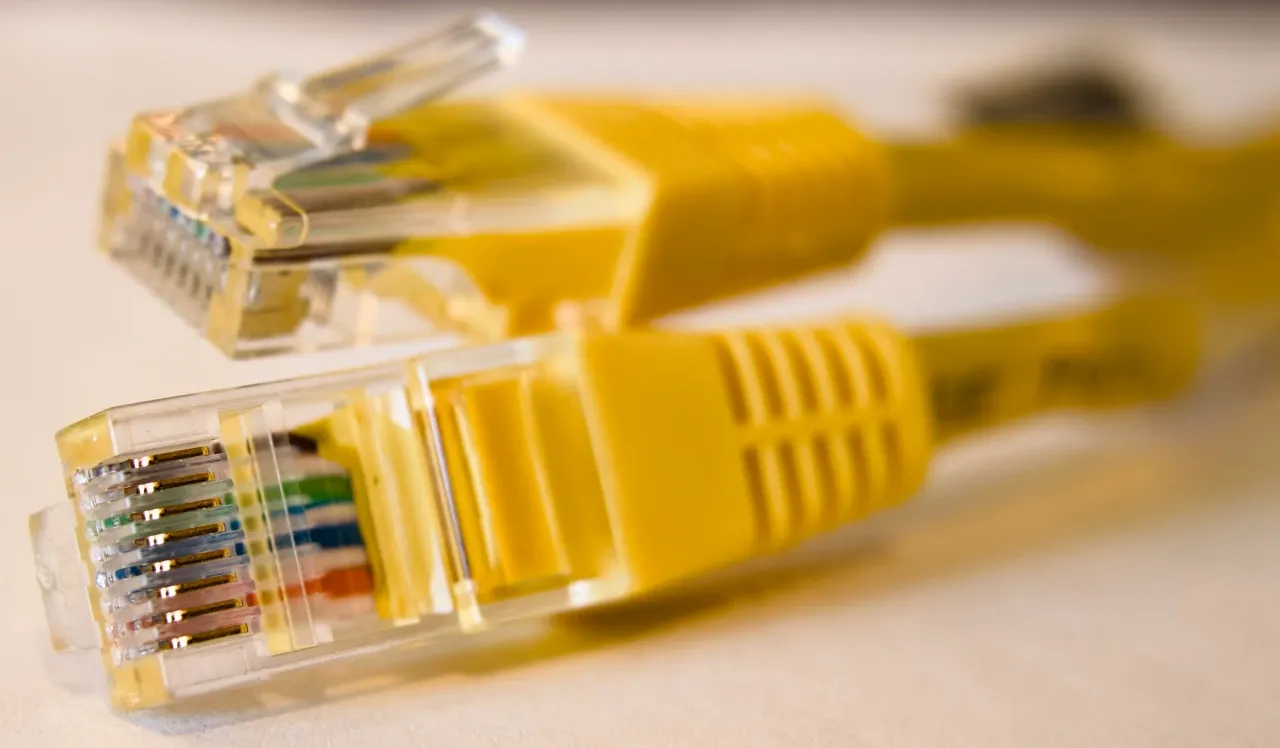

Separate Wi-Fi coverage from the incoming connection
Ofcom's Wi-Fi performance overview explains that the wireless link between a router and a device can limit performance. Its practical consumer tips also discuss a wired connection. These are technical background from the UK, rather than Syrian service rules.
For a permissioned viewing, a useful comparison may be the same device near the router and at the intended desk. Where a suitable wired connection is available and the account holder agrees, it can add another observation. Record the connection method each time. A weak result at the desk does not, by itself, explain whether the issue lies with wireless coverage, the device, the incoming service or something else.
Do not unplug unfamiliar equipment, reset the router or change its settings to make a demonstration look better. Questions about changes to equipment or permanent cable routes belong with the provider and whoever is authorised to assess or approve that work.
Make a short test useful without overstating it
Agree any test before running it, including the tool and the amount of data it may use. Cloudflare's test page states that its test can consume up to 200MB and explains how it processes an IP address. That is one service's disclosure, not a universal allowance or a recommendation to use it. Read the chosen tool's current privacy and data information, especially on a limited connection.
For an agreed test, note the date, time, room, device, wired or wireless method and test service. Ask what else was using the connection. Keep the result with those conditions rather than circulating a cropped number without context. An authorised check of an ordinary household task can also be useful; avoid opening personal work accounts on someone else's device.
A good result documents that particular test. It does not guarantee evening performance, access to every application, uninterrupted calls or future availability. If the connection is central to the decision, ask whether another agreed check at a relevant time is possible. Where no test is permitted, write “not tested” and retain the provider questions.
Clarify the arrangements after moving in
Request the applicable written information on installation charges, recurring charges, any data allowance, equipment obligations and the procedure for ending or changing the proposed service. Record the date and who provided it. An old bill can describe an existing arrangement without establishing the terms available to a new resident.
Ask what happens during a power interruption and which parts of the arrangement would need power. Do not assume that equipment advertised as backup makes the entire connection available. Any proposed electrical installation or backup arrangement needs an appropriate assessment; a viewing is not a safety test. If a temporary alternative is important, verify it separately and label its limitations.
Leave with a decision, not a connectivity promise
Imagine two candidate homes. At the first, a current resident demonstrates a working connection, but no one has confirmed the new account arrangement. At the second, a provider has responded about the exact address, but installation has not happened. Neither answer is complete. The next useful action differs: resolve account availability at the first and installation conditions at the second.
Finish your comparison with three plain statements: what was observed, what the provider confirmed and what remains unresolved. Keep dates attached to all three. That record helps a household decide whether to seek another answer, allow time for installation or reconsider a home whose essential connectivity remains uncertain.
Continue your research

Comparing Property Marketing Proposals Before Selling
Compare property marketing proposals by checking listing preparation, advertising placements, enquiry handling, viewing attendance and the work left to you.
Read more
Comparing Cleaning Quotes Before a Property Handover
Compare cleaning quotes before a property handover by checking rooms, cupboard interiors, furniture, preparation, timing and the tasks included in each offer.
Read moreSources & review
Last reviewed:
PUT YOUR RESEARCH TO WORK
Start with a place.
Explore Syria’s cities and narrow your property search.